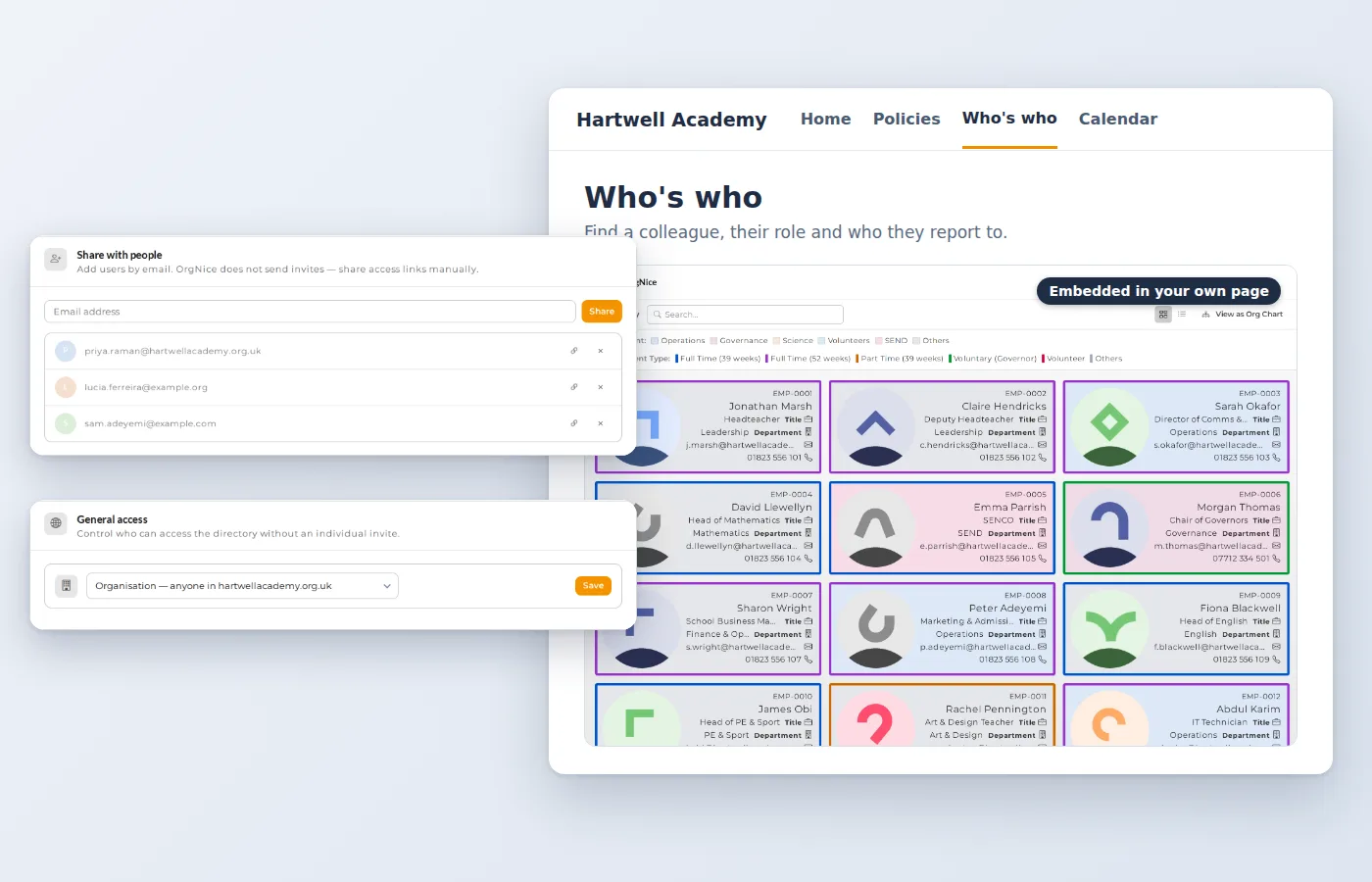
What is OrgNice?
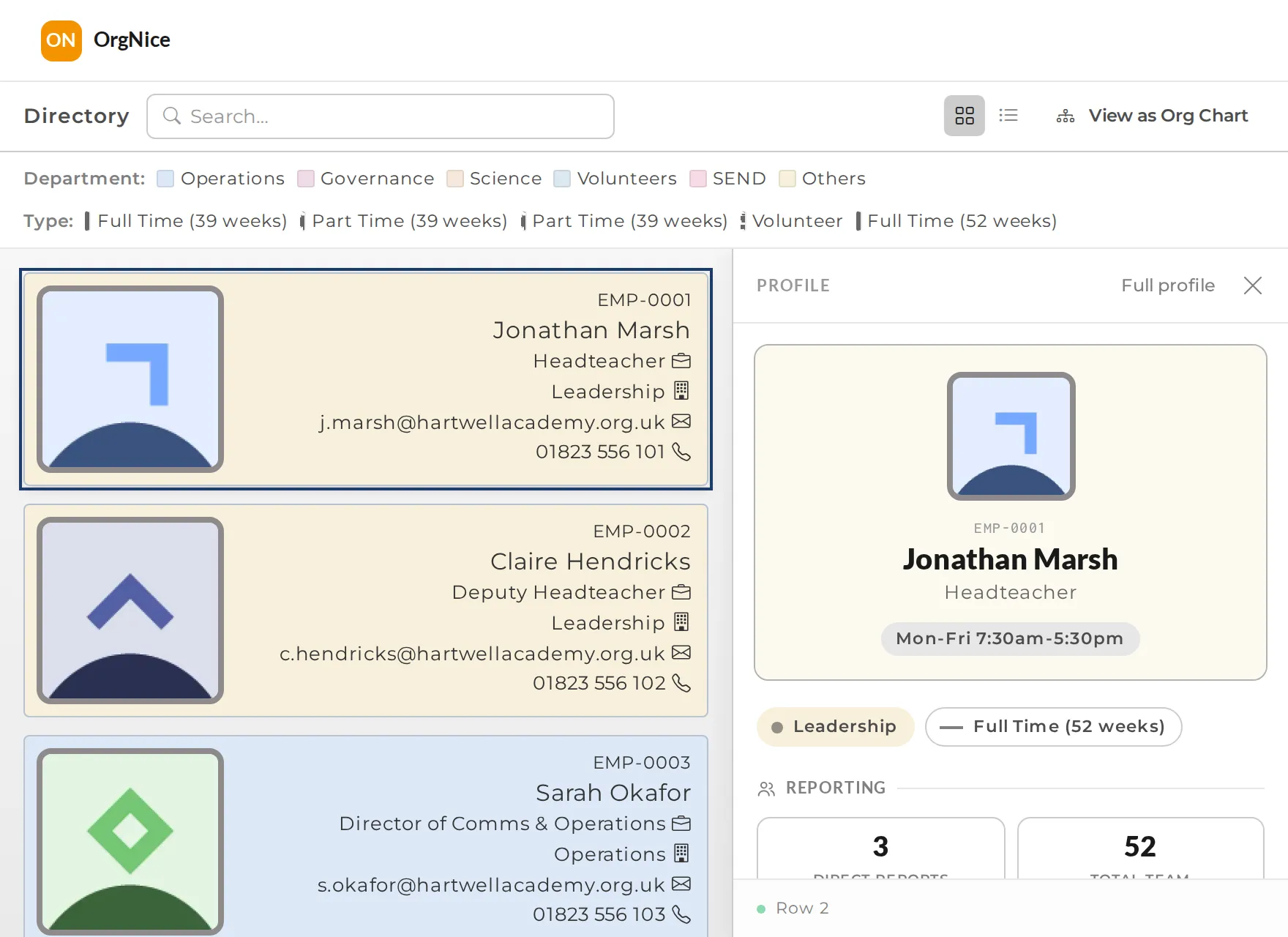
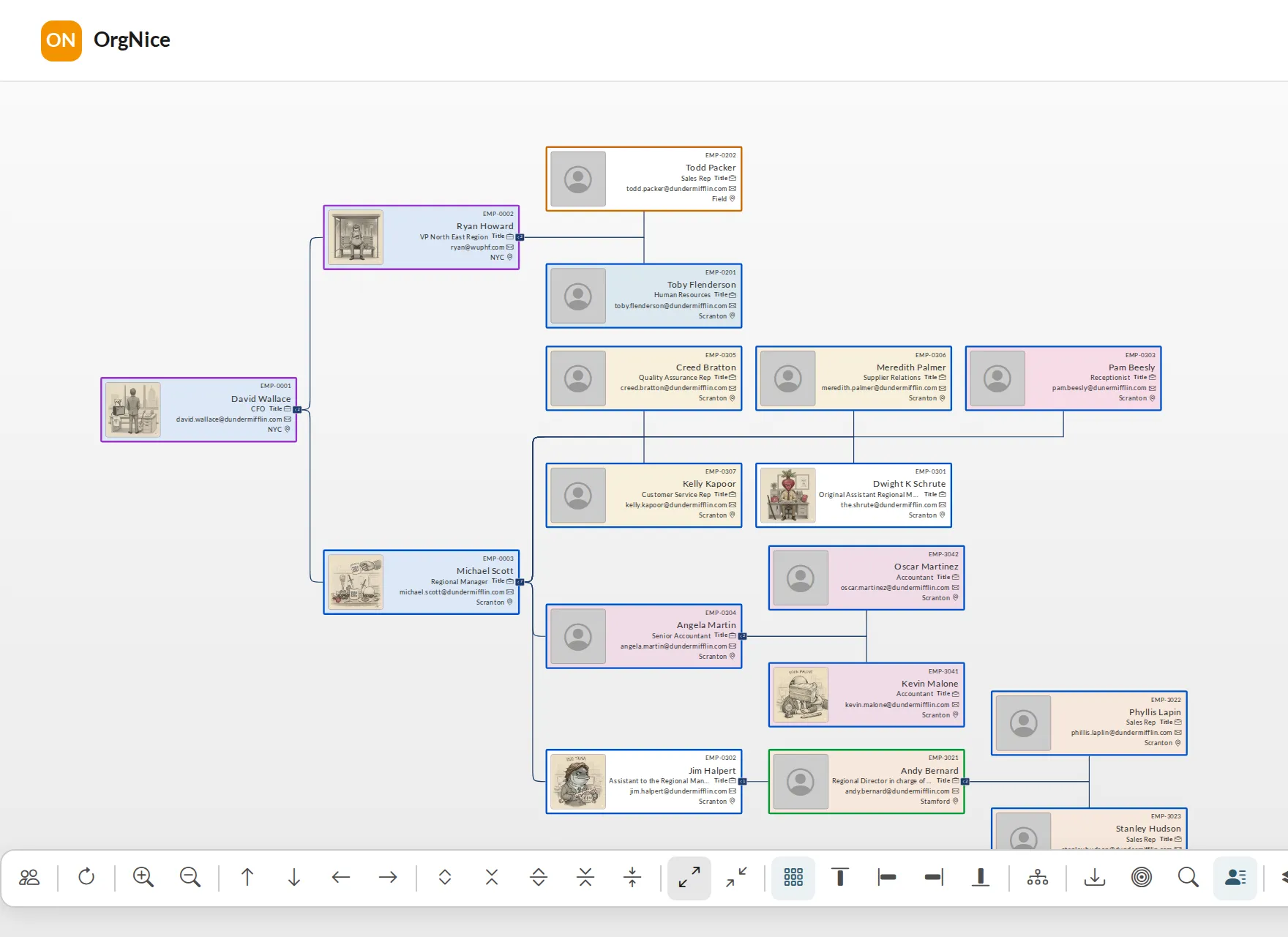
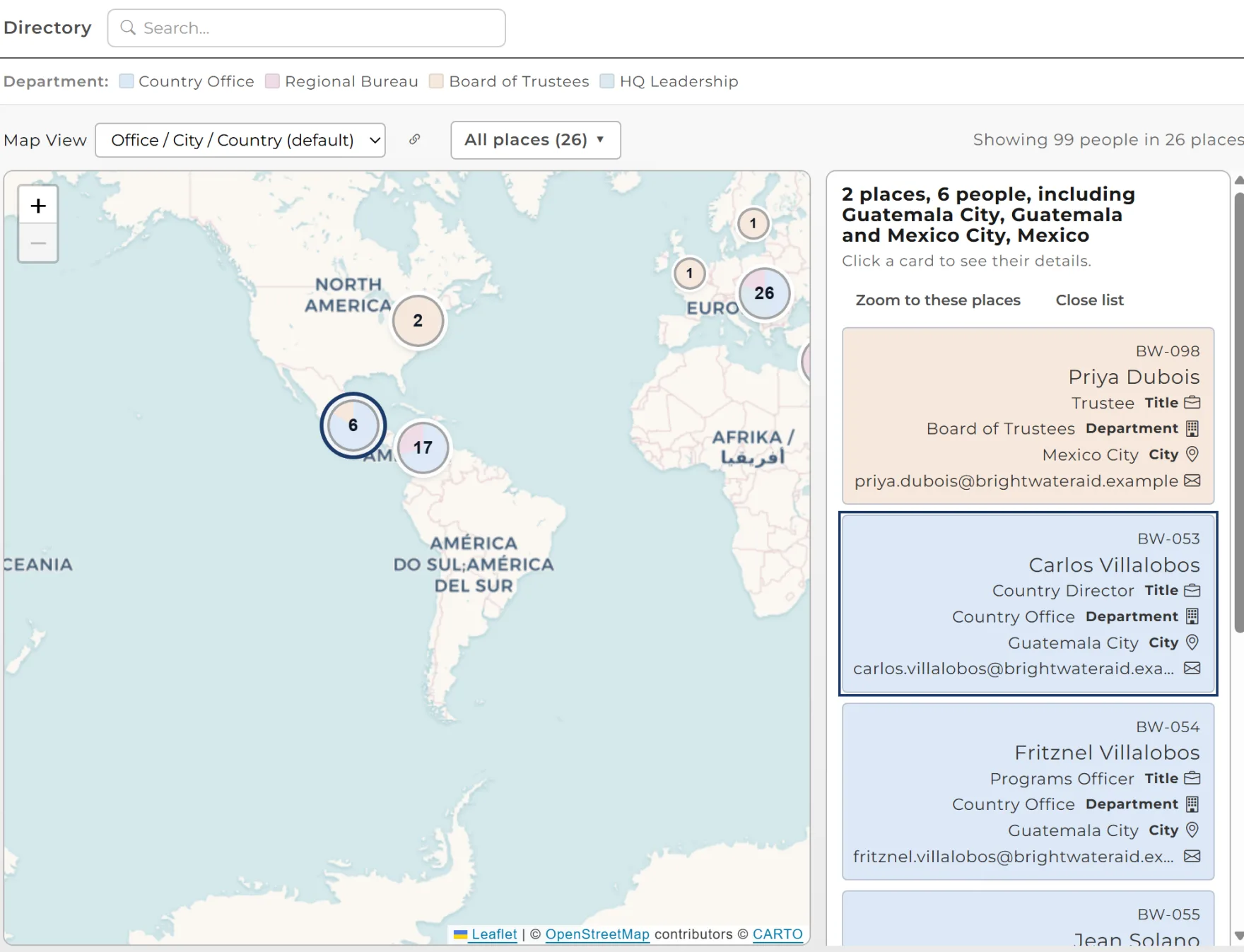
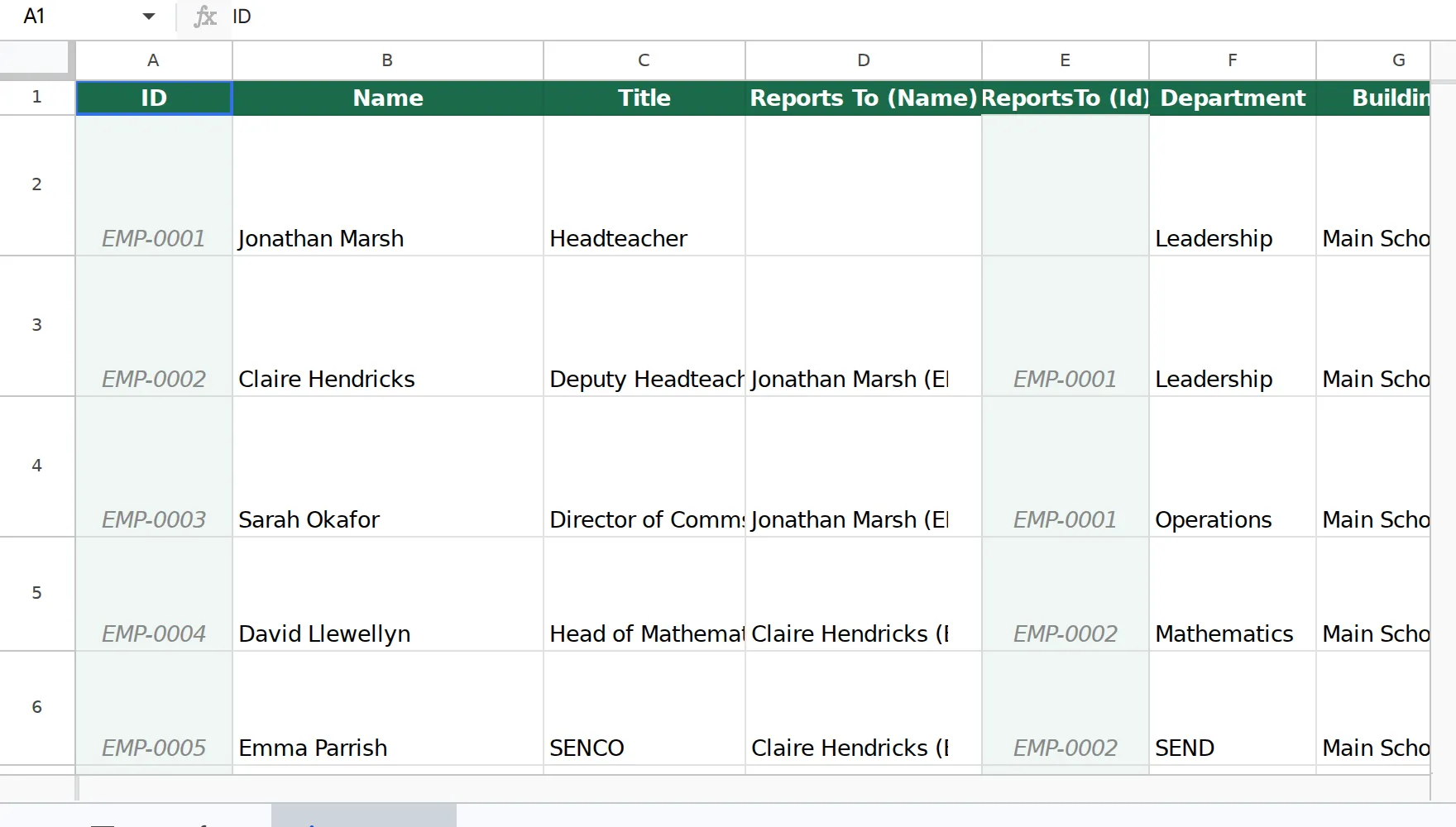
OrgNice is a staff directory and org chart tool for Google Sheets. It reads your roster from a Sheet every time someone views it, so both views are always current.
Do I need to change my Sheet?
Usually not. OrgNice maps your existing columns. If you are starting fresh, the free template has a working reporting hierarchy built in.
Do I need a Google account?
Only to connect your Sheet. Your Sheet lives in Google, so whoever connects it signs in to Google once to give OrgNice read access. Any Google account will do, personal or Workspace. You can sign in to OrgNice with Google, or with a one-time code sent to your email if you do not have a Google account. The people you share with never need a Google account, whether they view in OrgNice or in an embed.
What does OrgNice store?
No copy of your roster. Project settings such as layout and theme are stored; the people data is read from your Sheet on each view.
Can I include people without a company email?
Yes. Volunteers, contractors, committee members, governors, board members and trustees are ordinary rows in your Sheet, and the price doesn't change with headcount.
Can I embed it in Google Sites or Confluence?
Yes, depending on your plan. Paste the embed link into an iframe or embed block.
What happens when the trial ends?
Your projects drop to the free Basic plan, and you can upgrade any time.
Can more than one person manage a project?
Yes. You can add editors to a project in OrgNice. They can change the project's configuration (setup, column mapping and appearance), for example as a backup when the person who set it up is away. Editors in OrgNice do not edit your people data. That stays in your Google Sheet, and nothing changes there. Share the Sheet with anyone who needs to update it, as you do today, and every change shows up in OrgNice automatically the next time someone views it.
Do you charge per seat?
No. Pricing is flat per project.